About the website
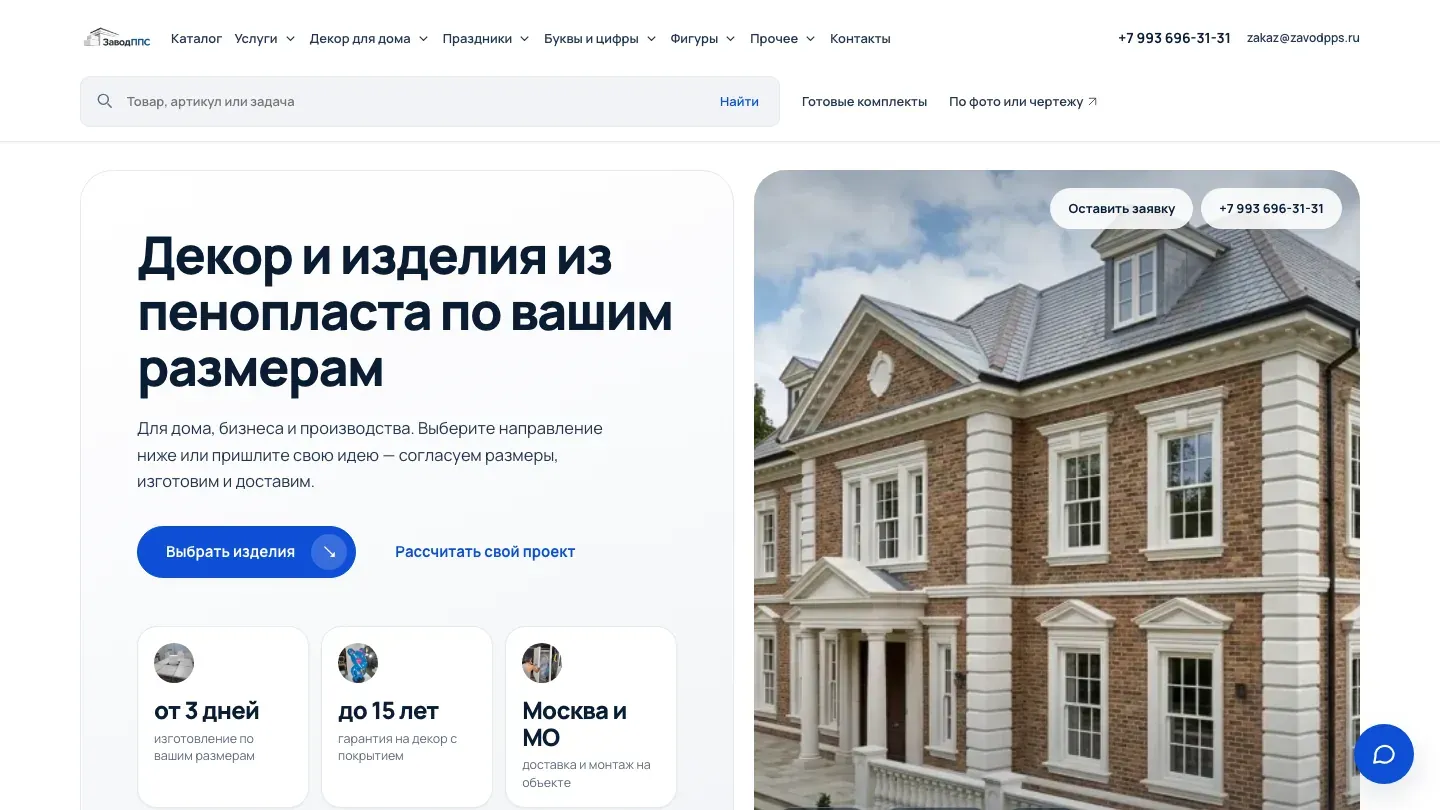
Architectural profiles and decorative pieces, plus manufacturing to custom dimensions. Categories by application and installation details help a customer send a request with sizes and requirements instead of a vague idea.
What I did
- A letter visualiser shows the customer’s own lettering in the chosen size and colour, so they can picture the result before ordering.
- An estimated price is available straight away.
- Text, size and colour from the visualiser are passed into the enquiry automatically.
- The mock-up can be downloaded to discuss it with colleagues or a client.
- Quizzes with questions for each type of product and a 5% discount for getting in touch.
- Several products can be put into one request instead of ordering each separately.
- A foam ball calculator that customers themselves praise.
- Search by name, article number and task, for example “window decor”, with suggestions while typing. If there is no suitable product, the visitor is offered to request a custom one.
Website CMS
- A funnel up to the saved enquiry: the panel tells apart a visit, an interaction, a form start, a submission and the enquiry actually being saved.
- Visitor path analysis: sequences of viewed pages, exit points and scroll depth help find obstacles before an order.
- Demand analysis by product line: trends in interest for different types of decor help prepare for seasonal periods.
- Technical loss control: form and JavaScript errors are shown next to the analytics.
- Calculator management: decor calculation settings are available in the admin panel.
- Flexible homepage layout: choosing the first screen, turning ready-made blocks on and off and rearranging them, with a preview for phone and desktop.
- Editing products and ready-made sets: texts, prices, photos, contents and drawings are maintained through ordinary fields.
- Protection against accidental loss: a backup before changes, save-conflict checks and a ban on deleting images that are used on the site.
- Login protection: limited sign-in attempts and managed sessions.
Security
Before handing the project over to the client, an internal grey-box security audit was carried out.
Result: No critical, high or medium vulnerabilities were found in the final build of the project.
Protection against SQL and command injection
- Test: Automated parameter testing with
sqlmapplus manual fuzzing of input forms. - How it is protected: The source code never builds SQL queries by joining strings. The framework’s built-in ORM escaping is used. The application’s database access is limited to
Data Reader/Writerrights, with no access to system tables.
Protection against XSS
- Test: Attempts to inject malicious JS scripts into every user text field.
- How it is protected: A strict template engine with automatic escaping of HTML entities. A strict Content Security Policy (CSP) on the web server blocks any third-party or unsafe inline code.
Component security
- Test: Software composition analysis (SCA) with
SnykandDependency-Check. - How it is protected: All packages are pinned to stable versions with no known vulnerabilities in the NVD database. Automatic notifications are set up for security patches to dependencies.
Admin panel isolation
- How it is protected: The admin panel is moved to a separate subdomain, hidden from search engine crawlers and protected from brute force by
Fail2ban(the IP is blocked after 5 failed attempts). Signing in to the admin panel requires two-factor authentication (2FA / TOTP).
Resilience to DDoS and load
- Test: Stress testing with
k6, simulating a legitimate surge of users and HTTP flood attacks. - How it is protected: Request limits (
limit_req) are set in Nginx and return error 429 when one IP exceeds them. The architecture is ready for seamless integration with external services (for example, Cloudflare / Qrator) to filter L4/L7 traffic.